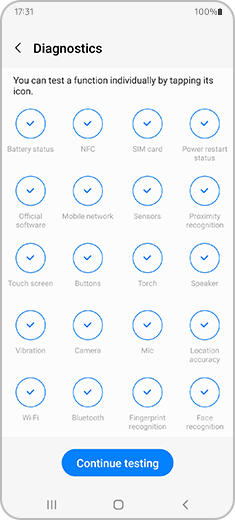
How to use Samsung Members Diagnostics
With the Diagnostics feature in the Samsung Members app, you can check several aspects of your smartphone to make sure everything is working properly. You can also share info with other Samsung users, read news, tips and more thanks to the Samsung Members app.
Before you use the Diagnostics feature, be sure to verify that your device’s software and related apps are updated to the latest version. To update your mobile device’s software, follow these steps: Device settings > Software update.
How to diagnose your phone using Samsung Members App.
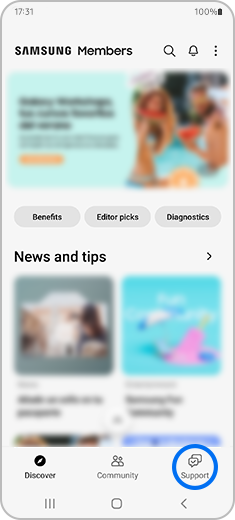


Follow the on-screen instructions to test the performance of your smartphone. You can skip some parts of the process and return to them whenever you want. If you want to review a specific function of your smartphone, simply tap on the icon to begin the test.