Your Administrator has not given you access to this item
When attempting to install applications, if you encounter the below message, you can follow the below guide to resolve.
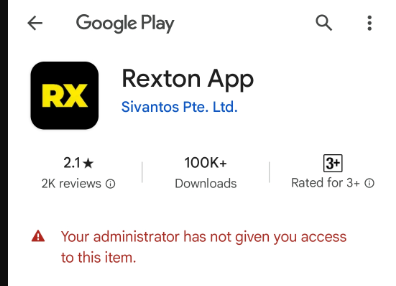
Tap the back arrow to return you to the application selection screen.
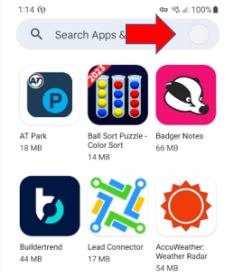
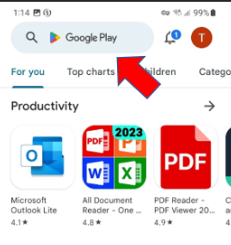
- Tap the Account Icon/Coloured Circle to the right of the search bar
- Tap the drop-down arrow to the right of the account displayed. If the account currently displayed is a long string of numbers, this is the default S3 Account of your device.
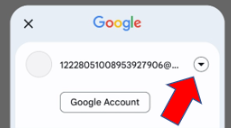
- Select your personal Google Account from the drop-down list.
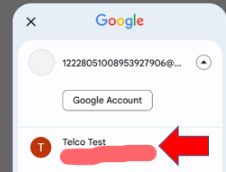
- After selecting your personal Google Account this will return you to the main Play Store screen, allowing you to search for the application.
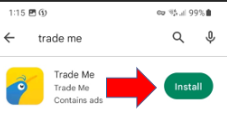
- Once the application is displayed, you can tap on Install and this should allow you to approve and assign the application for your device.